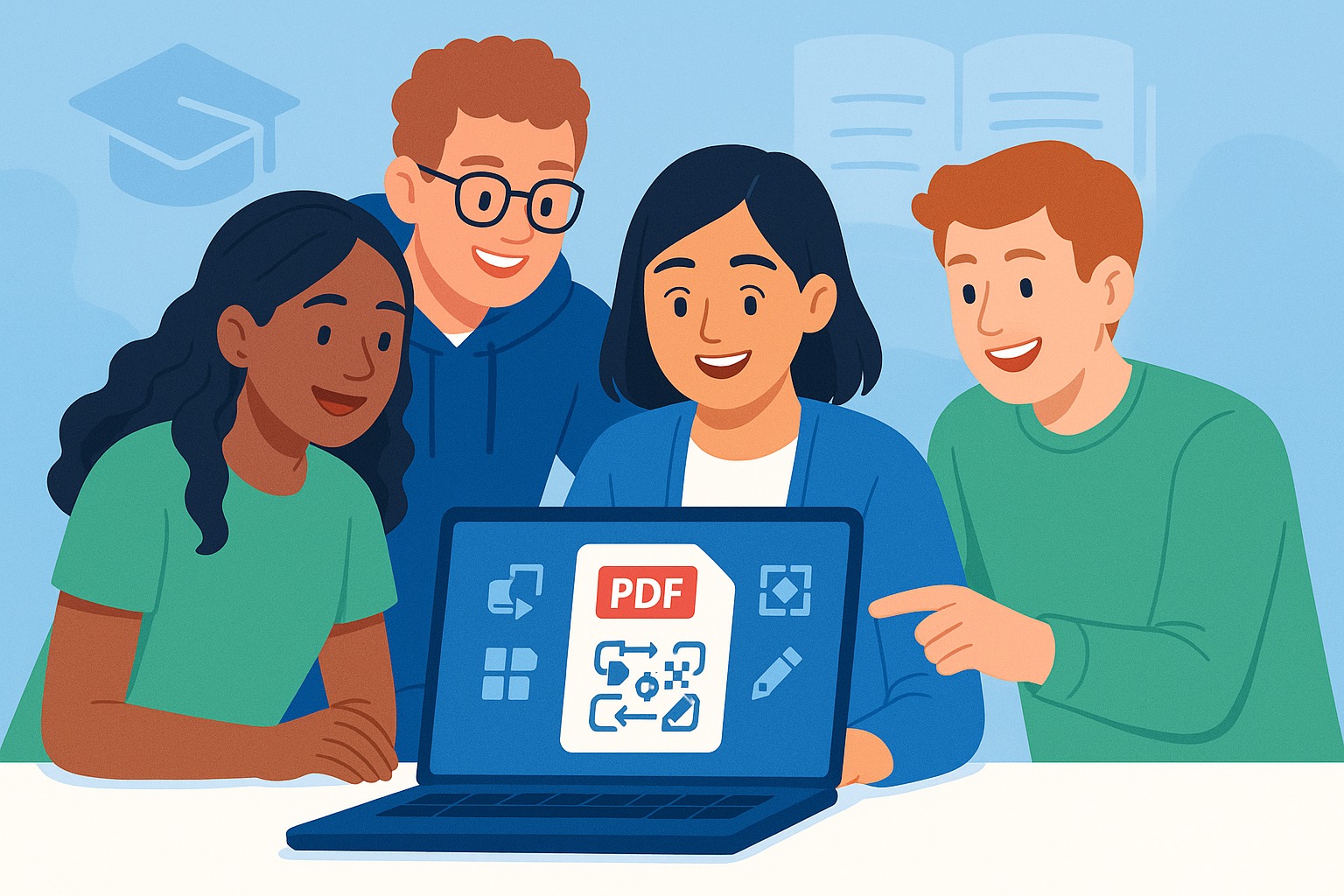
Best Free Online PDF Tools for Students in 2025
As we head into 2025, the demands on students are higher than ever. From research papers to group projects, managing digital documents efficiently is crucial for academic success. Portable Document Format (PDF) files are a staple in the academic world, and having the right tools to work with them can save you valuable time and effort. Luckily, SmartPDFs offers a suite of completely free online PDF tools designed to help students like you conquer your coursework. Let's explore the best free online PDF tools for students in 2025, all available at your fingertips!
Why Students Need Free Online PDF Tools
Before we dive into the specifics, let's quickly highlight why PDF tools are essential for students:
- Accessibility: PDFs ensure documents look the same across different devices and operating systems, maintaining formatting integrity.
- Collaboration: PDFs are easily shareable, making them ideal for group projects and assignments.
- Organization: Combining multiple documents into a single PDF simplifies document management.
- Submission Requirements: Many academic institutions require assignments to be submitted in PDF format.
Having access to reliable, free PDF tools empowers students to handle these tasks with ease and efficiency. SmartPDFs provides just that – a user-friendly platform with all the necessary features without costing a dime.
SmartPDFs: Your Go-To Platform for Free PDF Tools
SmartPDFs is a free online platform offering a variety of PDF tools to help students manage their documents efficiently. The platform is easy to use, requires no registration, and supports all major web browsers. This makes it a convenient and accessible resource for students regardless of their technical skills or device preferences.
Top SmartPDFs Tools for Students
1. Merge PDF: Combine Multiple Documents into One
Got multiple lecture notes, research papers, or scanned documents you want to combine into a single file? The Merge PDF tool is your answer. This tool allows you to combine multiple PDF files into one cohesive document.
How it helps students:
- Consolidate research materials for easier access.
- Combine different sections of a report into a single, professional-looking document.
- Organize scanned notes and assignments into a single PDF for each course.
Using the Merge PDF tool is incredibly simple. Just upload the PDF files you want to merge, arrange them in the desired order, and click the 'Merge' button. The tool will quickly combine the files into a single PDF that you can download instantly.
2. Compress PDF: Reduce File Size for Easy Sharing
Large PDF files can be cumbersome to email, upload, or share. The Compress PDF tool helps you reduce the file size of your PDFs without sacrificing quality.
How it helps students:
- Easily submit large assignments online without exceeding file size limits.
- Share notes and documents with classmates via email or messaging apps.
- Save storage space on your computer or cloud drive.
SmartPDFs' compression algorithm effectively reduces file size while maintaining the readability and integrity of the content. Just upload your PDF, choose your desired compression level, and download the optimized file.
3. PDF to JPG: Extract Images for Presentations and Reports
Sometimes, you need to extract images from a PDF for use in a presentation or report. The PDF to JPG tool allows you to convert PDF pages into high-quality JPG images.
How it helps students:
- Easily incorporate diagrams, charts, and illustrations from PDF documents into presentations.
- Extract images from research papers for use in your own reports or assignments.
- Create thumbnails of PDF pages for easy previewing.
This tool converts each page of your PDF into a separate JPG image, giving you complete control over the content you extract.
4. PDF to Word: Convert PDFs to Editable Documents
Need to edit the text in a PDF but don't have access to expensive PDF editing software? The PDF to Word tool converts your PDFs into editable Word documents.
How it helps students:
- Easily edit lecture notes or research papers that are in PDF format.
- Extract text from scanned documents for use in your own writing.
- Convert PDFs into a more accessible format for screen readers.
While the conversion might not be perfect for complex layouts, it's an excellent solution for extracting and editing text content.
5. Split PDF: Extract Specific Pages from a PDF
Sometimes you only need a few pages from a larger PDF document. The Split PDF tool allows you to extract specific pages from a PDF and save them as separate files.
How it helps students:
- Extract relevant chapters from a textbook for focused study.
- Separate individual assignments from a combined PDF submission.
- Share specific sections of a document with classmates.
Simply upload your PDF, specify the page ranges you want to extract, and the tool will create separate PDF files for each range.
Beyond the Basics: Other Helpful SmartPDFs Tools
In addition to the tools listed above, SmartPDFs offers other useful features that can benefit students, such as PDF editing and PDF protection tools. While not detailed above, explore all the available tools, you may find one that makes all the difference to your PDF workflow.
Tips for Using PDF Tools Effectively
Here are a few tips to maximize your use of free online PDF tools:
- Organize your files: Create a clear folder structure for your PDF documents to ensure easy retrieval.
- Use descriptive filenames: Name your PDF files with descriptive names that reflect their content.
- Double-check your work: Always review your converted or edited PDFs to ensure accuracy.
- Explore all the features: Take the time to explore the different features offered by SmartPDFs to find the tools that best meet your needs.
Conclusion: SmartPDFs Empowers Students for Success
In the academic landscape of 2025, having access to reliable and free online PDF tools is no longer a luxury – it's a necessity. SmartPDFs provides a comprehensive suite of tools that empowers students to manage their documents efficiently, collaborate effectively, and achieve academic success. By leveraging the power of these free tools, students can save time, reduce stress, and focus on what truly matters: learning and excelling in their studies. Explore SmartPDFs today and discover how it can transform your PDF workflow.



Comments (0)
Leave a Comment