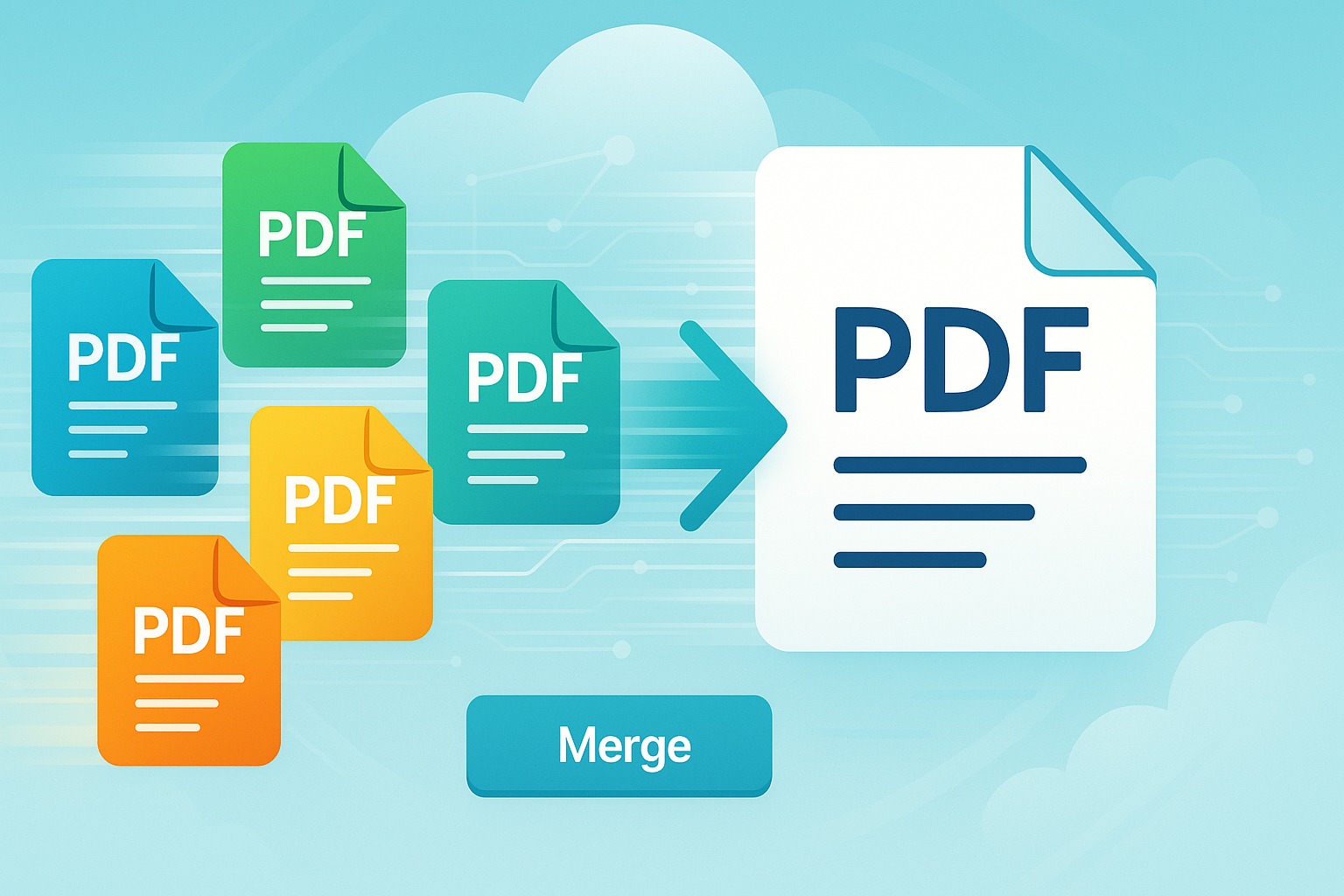
In today's fast-paced digital world, managing documents efficiently is crucial for everyone, from students and freelancers to busy professionals and large enterprises. Among the myriad of digital tasks, combining multiple PDF files into a single, cohesive document is a common requirement. Whether you're compiling a report, merging chapters of an e-book, or bringing together various contracts, the ability to merge PDFs effortlessly can save you significant time and streamline your workflow.
However, many people dread this task, often associating it with expensive software installations, complex interfaces, or lengthy registration processes. What if we told you there’s an incredibly simple, free, and lightning-fast way to merge all your PDF files online, without any hidden costs or forced sign-ups? Enter SmartPDFs – your ultimate solution for hassle-free PDF management.
This comprehensive guide will walk you through the easiest method to merge PDF files online for free using SmartPDFs, highlighting its unparalleled convenience, speed, and user-friendly design. Say goodbye to document chaos and embrace a world where combining your PDFs is literally a one-click affair!
The Power of Merging PDFs: Why It Matters
Before diving into the "how," let's briefly understand the compelling reasons why merging PDF files is such a vital function in our digital lives. It's more than just combining files; it's about enhancing organization, collaboration, and presentation.
Streamlining Document Management
Imagine having several related documents—a cover letter, a resume, a portfolio, and reference letters—all as separate PDFs. Merging them into one single file creates a unified package that is far easier to manage, store, and retrieve. This significantly reduces clutter and improves your overall document organization, making it simple to find exactly what you need when you need it.
Enhanced Collaboration and Sharing
When working on team projects, reports, or presentations, different team members might contribute various sections as individual PDF files. Merging these contributions into one master document simplifies the review process and ensures everyone is working from the same, complete version. Sharing a single file is also far more efficient and less prone to errors than sending multiple attachments.
Professional Presentation
A well-organized, single PDF document projects professionalism. Whether you’re submitting a job application, a business proposal, or an academic paper, presenting a consolidated file rather than a series of disparate documents demonstrates attention to detail and a commitment to clarity. It ensures that the recipient views your content in the intended sequence without having to open multiple windows.
Saving Time and Effort
Constantly navigating between multiple files, downloading several attachments, or dealing with fragmented information is time-consuming and frustrating. By consolidating your PDFs, you create a streamlined experience for yourself and your recipients, saving valuable time and reducing the cognitive load associated with document management.
Traditional Methods vs. Online Convenience
For years, merging PDFs often meant relying on desktop software, which, while powerful, came with its own set of challenges. The advent of online PDF tools, however, has revolutionized this process, making it accessible to everyone.
Desktop Software Challenges
- Installation Requirements: Desktop applications typically require downloading and installing software, which consumes disk space and might not be compatible with all operating systems.
- Cost Barrier: Many professional PDF editing suites are expensive, requiring hefty one-time purchases or recurring subscription fees. Free trials often come with limitations.
- Complexity: Advanced features in desktop software can often lead to cluttered interfaces, making simple tasks like merging files unnecessarily complicated for the average user.
- Updates and Maintenance: Keeping desktop software updated requires manual intervention and can sometimes introduce compatibility issues.
The Rise of Online PDF Tools
Online PDF tools like SmartPDFs address these challenges head-on. They offer:
- Accessibility: No installation required. Access them from any device with an internet connection – whether it's a laptop, tablet, or smartphone.
- Cost-Effectiveness: Many online tools, including SmartPDFs, offer their services completely free, democratizing access to essential PDF functionalities.
- User-Friendliness: Designed for simplicity, online tools typically feature intuitive drag-and-drop interfaces that make complex tasks feel effortless.
- Instant Updates: Online platforms are always up-to-date, with new features and improvements rolled out seamlessly without user intervention.
Introducing SmartPDFs: Your Go-To Free Online PDF Merger
In a sea of online PDF solutions, SmartPDFs stands out as a beacon of simplicity, efficiency, and reliability, especially when it comes to merging PDF files. Our mission is to provide you with powerful PDF tools that are genuinely free, easy to use, and incredibly fast. We understand that your time is valuable, and your data privacy is paramount.
The SmartPDFs Merge PDF tool is specifically engineered to be the most straightforward way to combine multiple PDF documents. We’ve stripped away unnecessary complexities to give you a pure, focused experience: upload, merge, download. It's that simple.
How to Merge PDF Files Online for Free with SmartPDFs (Step-by-Step Guide)
Ready to experience the easiest PDF merging process? Follow these simple steps, and you'll have your combined PDF in moments. Remember, with SmartPDFs, there's no signup required, and the entire process is designed for 1-click merge and fast processing.
Step 1: Visit the SmartPDFs Merge Tool
Open your web browser and navigate directly to our dedicated SmartPDFs Merge PDF page. You'll immediately notice a clean, intuitive interface designed for optimal user experience. There are no distractions, no confusing menus – just a clear path to get your task done.
Step 2: Upload Your PDF Files
This is where the magic begins. You have two convenient options to upload the PDF files you wish to merge:
- Drag & Drop: Simply drag and drop your PDF files directly into the designated upload area on the SmartPDFs page. This is often the quickest method if your files are easily accessible on your desktop.
- Select Files: Click on the "Select PDF Files" button. A file explorer window will open, allowing you to browse your computer or cloud storage (if integrated) and select all the PDF documents you want to combine. You can select multiple files at once.
SmartPDFs is designed to handle multiple uploads efficiently. Once selected, your PDFs will appear as thumbnails on the screen.
Step 3: Arrange Your Pages (Optional but Recommended)
Once your PDF files are uploaded, they will appear in a sequence. You might want to change this order to ensure your final document flows correctly. SmartPDFs makes this incredibly easy:
- Drag & Rearrange: Simply click and drag the thumbnail of any PDF file to rearrange its position within the sequence. You can place it anywhere you like.
- Remove if Needed: If you accidentally uploaded a file you don't need, there's usually a small 'X' icon on the thumbnail to remove it from the merge queue.
Take a moment here to confirm the desired order, as this will be the structure of your merged PDF.
Step 4: Initiate the Merge with One Click
Once your files are uploaded and arranged exactly how you want them, look for the prominent "Merge PDF" button. This is your 1-click merge action! Simply click it, and SmartPDFs will instantly begin processing your request. There are no additional pop-ups, no demands for personal information, and absolutely no signup required.
Step 5: Download Your Unified PDF
Thanks to our optimized servers and efficient algorithms, the merging process is incredibly fast. In a matter of seconds (for most file sizes), your newly merged PDF document will be ready. A "Download Merged PDF" button will appear. Click this button, and your single, unified PDF file will be downloaded directly to your device. It’s that simple and that fast!
Why Choose SmartPDFs for Your PDF Merging Needs?
With numerous online tools available, what makes SmartPDFs the superior choice for merging your PDF files?
Absolutely Free, Always
We are committed to providing genuinely free PDF tools. There are no hidden costs, no premium features locked behind paywalls for basic functions like merging. You get full functionality, every time.
No Registration Required
Your time and privacy are important. That's why SmartPDFs lets you merge PDFs without forcing you to create an account, provide an email address, or sign up for any newsletters. It's an anonymous, quick service designed purely for your convenience.
Lightning-Fast Processing
Our infrastructure is built for speed. We understand that waiting for files to process is frustrating. SmartPDFs leverages powerful servers to ensure your PDF merging is completed in the blink of an eye, allowing you to get back to your work faster.
Intuitive User Interface
Even if you're not tech-savvy, you'll find SmartPDFs incredibly easy to navigate. Our clean, minimalist design ensures that you can achieve your task with minimal clicks and no confusion.
Secure and Private
We take your data security seriously. All uploaded files are processed securely and automatically deleted from our servers shortly after processing. We don't store your documents, nor do we share them with third parties. Your privacy is guaranteed.
Cross-Platform Compatibility
Whether you're using Windows, macOS, Linux, Android, or iOS, SmartPDFs works flawlessly across all operating systems and devices. All you need is a web browser and an internet connection.
Quality Retention
Concerned about your document quality? Rest assured, SmartPDFs merges your PDFs while preserving the original formatting, fonts, images, and overall quality of your documents. What goes in is what comes out, just combined.
More Than Just Merging
While this guide focuses on merging, SmartPDFs offers a suite of other free PDF tools, including splitting, compressing, converting, editing, and protecting PDFs. It's your one-stop shop for all PDF-related tasks.
Advanced Tips for Merging PDFs Effectively
To get the most out of your PDF merging experience with SmartPDFs, consider these advanced tips:
Order Matters
Always double-check the order of your files before initiating the merge. A few seconds spent arranging can save you from having to re-merge later.
File Size Considerations
While SmartPDFs is fast, merging an extremely large number of very large PDF files will naturally take longer. For optimal performance, ensure your internet connection is stable, especially for big jobs.
Naming Your Merged File
Once downloaded, immediately rename your merged PDF to something descriptive. This helps with organization and makes it easier to locate the document later.
Preview Before Finalizing
If you're unsure about the content or order, consider quickly opening the individual PDFs to refresh your memory before arranging them for the merge. This preemptive check can prevent errors.
Common Use Cases for Merging PDFs
The applications for merging PDF files are virtually endless. Here are some of the most common scenarios where SmartPDFs can be a lifesaver:
Business Reports and Presentations
Combine market analysis, financial statements, executive summaries, and charts into a single, polished business report or presentation for stakeholders.
Academic Papers and Research
Merge research papers, appendices, bibliographies, and supporting data into one comprehensive academic submission. Students can combine lecture notes, assignments, and study materials into a single PDF for easier review.
Legal Documents
Consolidate contracts, agreements, legal briefs, and supporting evidence into a single, chronological document for easy reference and submission.
Personal Records and E-books
Organize utility bills, bank statements, tax documents, or medical records into monthly or yearly compiled PDFs. You can also merge chapters of a self-published e-book or various articles on a specific topic.
Conclusion
Managing digital documents doesn't have to be a source of frustration. With SmartPDFs, merging PDF files online has been transformed into a task that is genuinely free, incredibly fast, and unbelievably simple. We empower you to take control of your documents without demanding your personal information or your wallet.
The days of complicated software, forced registrations, and agonizing waits are over. Whether you're a student, a professional, or just someone looking for a quick and reliable way to combine documents, SmartPDFs is your ideal partner. Experience the future of PDF management today – visit SmartPDFs Merge PDF tool and see just how easy it is to merge your PDFs with a single click. Simplify your digital life; merge smarter, not harder!


Comments (0)
Leave a Comment