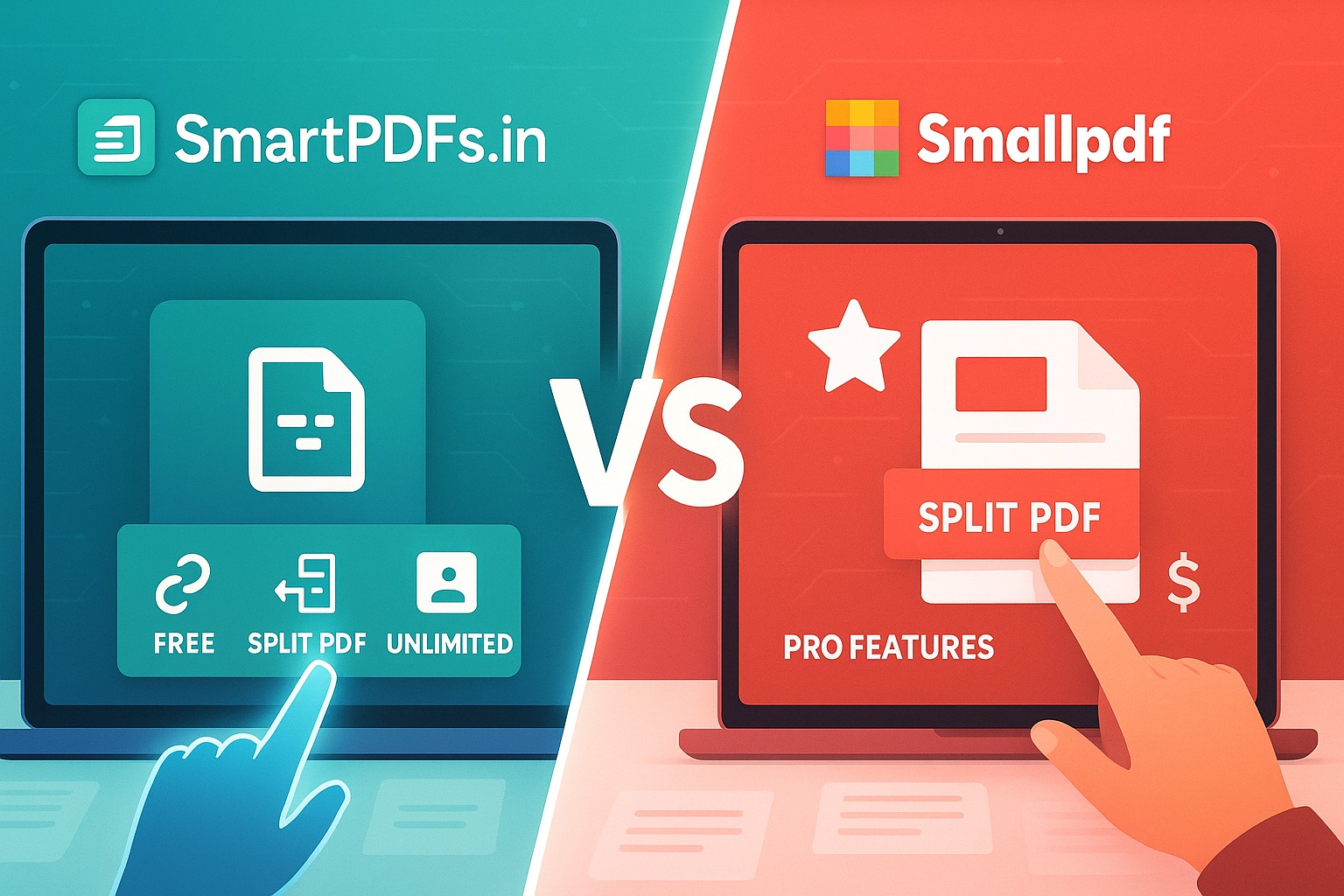
SmartPDFs.in vs SmallPDF: Which One is Better for Everyday Use?
In today's digital-first world, handling Portable Document Format (PDF) files is an inescapable part of daily life. From academic papers and business reports to legal documents and creative portfolios, PDFs are everywhere. As a result, the demand for reliable, efficient, and user-friendly PDF tools has skyrocketed. Among the myriad of online solutions available, SmartPDFs.in and SmallPDF stand out as two prominent contenders, each offering a suite of functionalities to manage your PDF needs.
But when it comes down to choosing the right tool for 'everyday use,' which one truly takes the crown? Is it the completely free, homegrown champion SmartPDFs.in, or the globally recognized, feature-rich SmallPDF with its freemium model? This comprehensive comparison will dive deep into their features, user experience, pricing, and overall value to help you make an informed decision for your daily document management.
SmartPDFs.in: The Free Powerhouse for Daily Tasks
SmartPDFs.in has rapidly emerged as a go-to platform for users seeking robust PDF solutions without any cost barriers. Designed with simplicity and accessibility in mind, SmartPDFs.in offers a comprehensive suite of tools that cater to virtually every common PDF task. Its core philosophy revolves around providing high-quality, free PDF tools to everyone, ensuring that essential document management capabilities are never behind a paywall.
The platform boasts an intuitive interface, making it incredibly easy for users of all technical levels to navigate and utilize its features. Whether you need to quickly merge several documents for a presentation, compress a large file to send via email, or convert a PDF into an editable Word document, SmartPDFs.in provides straightforward solutions. Its commitment to being a truly free service means you won't encounter trial periods, feature limitations, or nagging upgrade prompts that disrupt your workflow. For everyday users who frequently handle PDF files and prioritize cost-effectiveness without compromising on essential features, SmartPDFs.in presents a compelling argument.
SmallPDF: A Feature-Rich Solution with a Freemium Model
SmallPDF has established itself as one of the most recognized names in the online PDF tool space. With a slick interface, extensive feature set, and global presence, SmallPDF offers a premium experience for PDF management. It provides a wide array of tools, from basic conversions and compressions to more advanced functionalities like e-signing and OCR (Optical Character Recognition).
However, SmallPDF operates on a freemium model. While it offers a limited number of free daily uses for many of its tools, unlocking its full potential—including unlimited usage, batch processing, desktop applications, and advanced features—requires a 'SmallPDF Pro' subscription. This model appeals to users who demand a comprehensive, polished solution and are willing to pay for advanced capabilities and an uninterrupted, ad-free experience. SmallPDF's reputation for reliability and its commitment to regular updates make it a strong contender for those with more demanding or professional PDF needs.
Head-to-Head: A Detailed Feature Comparison
Let's break down how these two platforms stack up against each other across their most popular features:
PDF Compression
- SmartPDFs.in: Offers robust compression, typically with options for different quality levels (e.g., extreme, recommended, good). It's entirely free and unlimited, allowing users to significantly reduce file sizes without worrying about usage caps.
- SmallPDF: Provides excellent compression quality with options for basic and strong compression. However, free users are limited in the number of files they can compress per day. 'Pro' users get unlimited access and potentially higher compression ratios.
PDF Merge
- SmartPDFs.in: Seamlessly combines multiple PDF files into one. The drag-and-drop interface makes reordering pages intuitive. No limits on file size or number of merges.
- SmallPDF: Allows users to combine PDFs easily, with a clear preview and drag-and-drop functionality for reordering. Free usage is subject to daily limits.
PDF Split
- SmartPDFs.in: Users can split PDFs by page range or extract all pages individually. It's a straightforward process, ideal for creating smaller, manageable documents from a larger file. Free and unlimited.
- SmallPDF: Offers various splitting options, including extracting selected pages or splitting by specific page ranges. Free usage is limited.
PDF Editing
- SmartPDFs.in: Focuses more on structural and conversion tools, offering basic annotation features if any. True text editing within the PDF might be limited compared to dedicated editors.
- SmallPDF: Provides more comprehensive editing capabilities for 'Pro' users, allowing text, images, and shapes to be added or modified directly within the PDF, making it a more versatile online PDF editor.
PDF Conversion (to/from various formats)
- SmartPDFs.in: Excels in a wide range of conversions, including PDF to Word, Excel, PPT, JPG, and vice-versa. The conversion quality is generally high, maintaining formatting as much as possible, all for free.
- SmallPDF: Offers excellent conversion quality across various formats (Word, Excel, PPT, JPG, HTML, etc.). Free users get limited conversions daily, while 'Pro' users enjoy unlimited, high-fidelity conversions.
eSign PDF
- SmartPDFs.in: While some form-filling capabilities might exist, a dedicated, legally binding e-signature tool might not be its primary focus.
- SmallPDF: Features a robust and legally compliant eSign tool, allowing users to create, request, and track signatures. This is a significant advantage for business and legal professionals, often requiring a 'Pro' subscription.
Protect & Unlock PDF
- SmartPDFs.in: Provides tools to add password protection to PDFs and remove existing passwords (if you know them). These are essential security features offered completely free.
- SmallPDF: Offers similar security features, allowing users to encrypt PDFs with passwords or remove password protection. Free usage is limited.
Organize Pages
- SmartPDFs.in: Includes tools to delete pages, rotate pages, and reorder pages within a PDF, making it easy to tidy up documents. These are core free features.
- SmallPDF: Allows for easy reordering, rotating, and deleting of pages, providing a clean visual interface for organizing your PDF documents. Limited free usage.
Image to PDF / PDF to Image
- SmartPDFs.in: Supports converting JPG, PNG, BMP, GIF, and TIFF images to PDF and vice versa. It’s a very useful tool for graphic designers or anyone dealing with image-based documents, offered without restrictions.
- SmallPDF: Also provides excellent JPG to PDF and PDF to JPG conversion. These tools are subject to daily limits for free users.
User Experience & Interface: Navigating Your PDF Journey
Both platforms pride themselves on user-friendly interfaces, but there are subtle differences.
- SmartPDFs.in: The design is clean, straightforward, and highly functional. It prioritizes ease of use and quick access to tools. While it is a free service, it might feature unobtrusive ads to support its operations, which is a common trade-off for free platforms. The focus is on getting the job done efficiently without unnecessary frills.
- SmallPDF: Offers a highly polished, modern, and very intuitive interface. Its design is sleek, and the workflow feels seamless, contributing to a premium user experience. Free users will encounter prompts to upgrade to Pro, but the core experience remains smooth. The absence of ads (especially for Pro users) contributes to a more focused environment.
For everyday use, both are easy to pick up. SmartPDFs.in's directness is appealing for quick tasks, while SmallPDF's polished nature is great for those who value aesthetics and an ad-free experience (if they pay).
Pricing & Accessibility: Free vs. Freemium
This is arguably the most significant differentiator between the two services.
- SmartPDFs.in: Is unequivocally a free PDF tools platform. There are no hidden costs, subscriptions, or 'Pro' versions. All tools are fully accessible and unlimited, making it an incredibly attractive option for anyone on a budget, from students to small businesses, or simply individuals who don't want to pay for PDF management. Its accessibility is its greatest strength, living up to its promise of being 'SmartPDFs.in'.
- SmallPDF: Operates on a freemium model. You get a limited number of free tasks per day (typically 1-2 uses per tool). For unlimited access, batch processing, desktop apps, and premium features like OCR and enhanced e-signing, you need to subscribe to SmallPDF Pro. While the 'Pro' plan offers significant value for heavy users, it's an added monthly or annual expense that many casual users might want to avoid.
For true everyday use, where cost is a factor and tasks are frequent but not necessarily 'power user' level, SmartPDFs.in clearly wins on accessibility and budget-friendliness.
Performance & Security: Trusting Your Documents Online
When dealing with sensitive documents online, performance and security are paramount concerns.
- Performance: Both SmartPDFs.in and SmallPDF generally offer fast processing speeds for their tools. The speed can vary based on file size, server load, and your internet connection, but both are optimized for efficiency.
- Security: Both platforms emphasize user data security. They typically use SSL encryption for data transfer, and most state that files are deleted from their servers after a certain period (e.g., one hour) to protect user privacy. SmallPDF, being a larger, more established entity, has well-documented privacy policies and often undergoes security audits. SmartPDFs.in also prioritizes privacy by not storing files longer than necessary. Users should always review the privacy policy of any online tool they use.
Who is Each Platform Best Suited For?
SmartPDFs.in is ideal for:
- Casual Users: Individuals who need to perform basic PDF tasks (merge, split, compress, convert) a few times a week or month.
- Students & Educators: Managing assignments, research papers, and class materials without incurring extra costs.
- Small Businesses & Freelancers: Handling everyday document tasks on a budget, where cost-effectiveness is crucial.
- Cost-Conscious Individuals: Anyone looking for a reliable suite of free PDF tools without any financial commitment.
- Users Prioritizing Simplicity: Those who prefer a straightforward interface focused on getting tasks done quickly.
SmallPDF is ideal for:
- Professionals & Power Users: Individuals who handle PDFs extensively on a daily basis and require advanced features like e-signatures, OCR, and batch processing.
- Businesses with Dedicated Budgets: Companies willing to invest in a premium, comprehensive PDF solution with excellent support.
- Users Needing Desktop Integration: Those who prefer desktop applications alongside online tools for seamless workflow.
- Users Prioritizing Polished Experience: Individuals who value a highly refined, ad-free interface and seamless user journey.
- Teams: SmallPDF offers team plans that can be beneficial for collaborative environments.
Pros and Cons: A Quick Snapshot
SmartPDFs.in
- Pros:
- Completely free for all features.
- Unlimited usage without daily caps.
- User-friendly, straightforward interface.
- Excellent for common, everyday PDF tasks.
- No registration or subscription required.
- Cons:
- May have occasional ads (to support free service).
- Might lack some advanced features found in premium services (e.g., OCR, advanced editing).
- Support might be community-driven or less extensive than paid services.
SmallPDF
- Pros:
- Highly polished and intuitive user interface.
- Comprehensive suite of advanced tools (eSign, OCR, batch processing).
- Reliable performance and good conversion quality.
- Desktop applications available for 'Pro' users.
- Excellent for professional and heavy-duty use.
- Cons:
- Operates on a freemium model; core features are behind a paywall for unlimited use.
- Free usage is severely limited (daily caps).
- Can be expensive for casual users.
- Upgrade prompts can interrupt workflow for free users.
Conclusion: Making the Right Choice for Your Everyday Use
Choosing between SmartPDFs.in and SmallPDF ultimately depends on your specific needs, budget, and frequency of use. For the vast majority of users who perform common PDF tasks on a daily or weekly basis and prioritize cost-effectiveness above all else, SmartPDFs.in is arguably the better choice for everyday use. Its completely free and unlimited access to essential tools like merging, splitting, compressing, and converting PDFs makes it an invaluable resource for students, small businesses, and individuals who want powerful PDF management without a recurring expense.
However, if your daily PDF workflow involves highly specialized tasks like legally binding e-signatures, optical character recognition, extensive text editing within PDFs, or if you simply prefer a completely ad-free, premium experience and are willing to pay for it, then SmallPDF Pro offers a more comprehensive and polished solution. For 'everyday use' that extends into professional, heavy-duty scenarios, SmallPDF's subscription model truly shines.
In summary, for straightforward, frequent PDF tasks without any financial commitment, SmartPDFs.in stands out as the ultimate free PDF tools companion. It empowers you to manage your documents efficiently and effectively, proving that powerful tools don't always come with a price tag. SmallPDF remains a strong contender for those with deeper pockets and more advanced, consistent professional needs. Evaluate your usage patterns and budget, and you'll easily find your perfect PDF partner.


Comments (0)
Leave a Comment